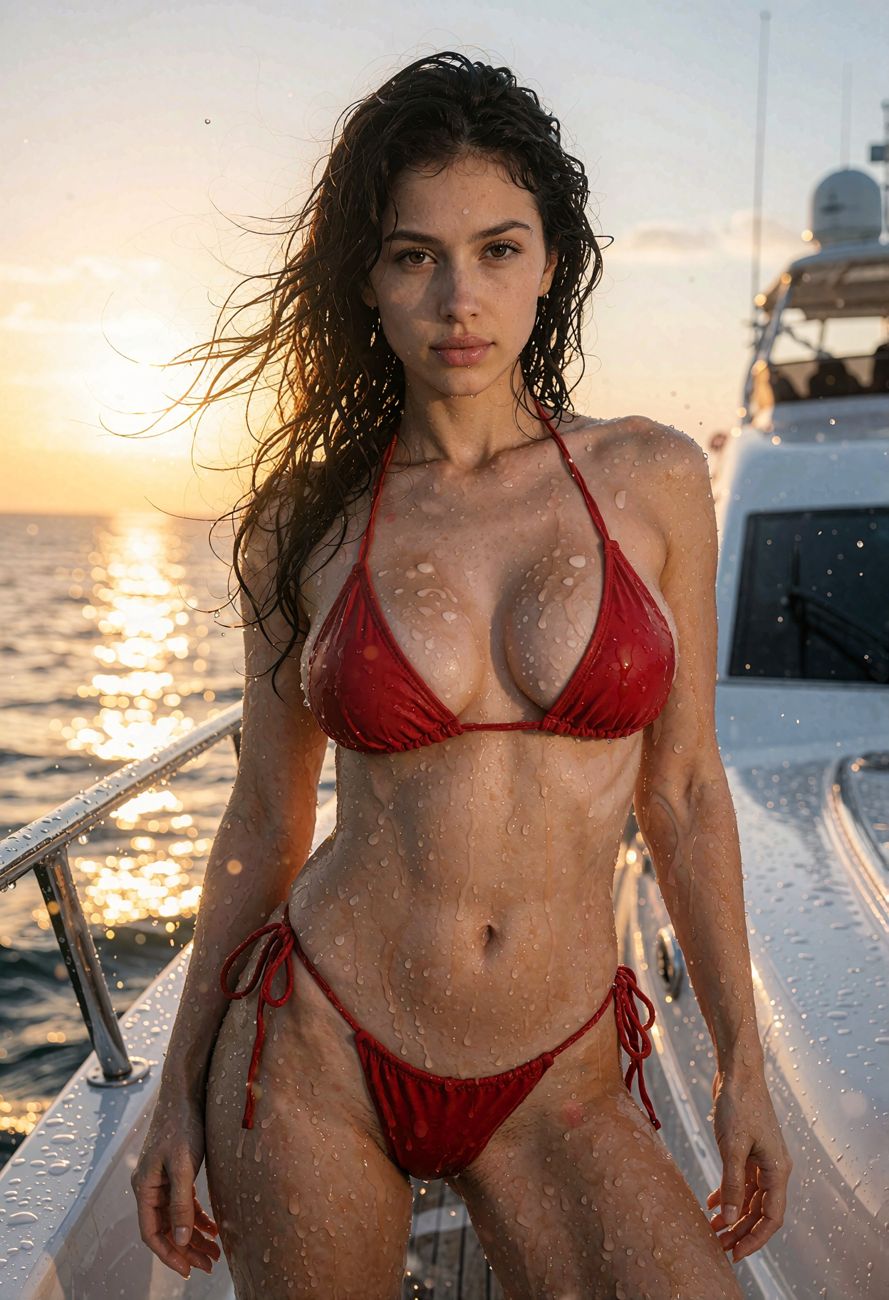
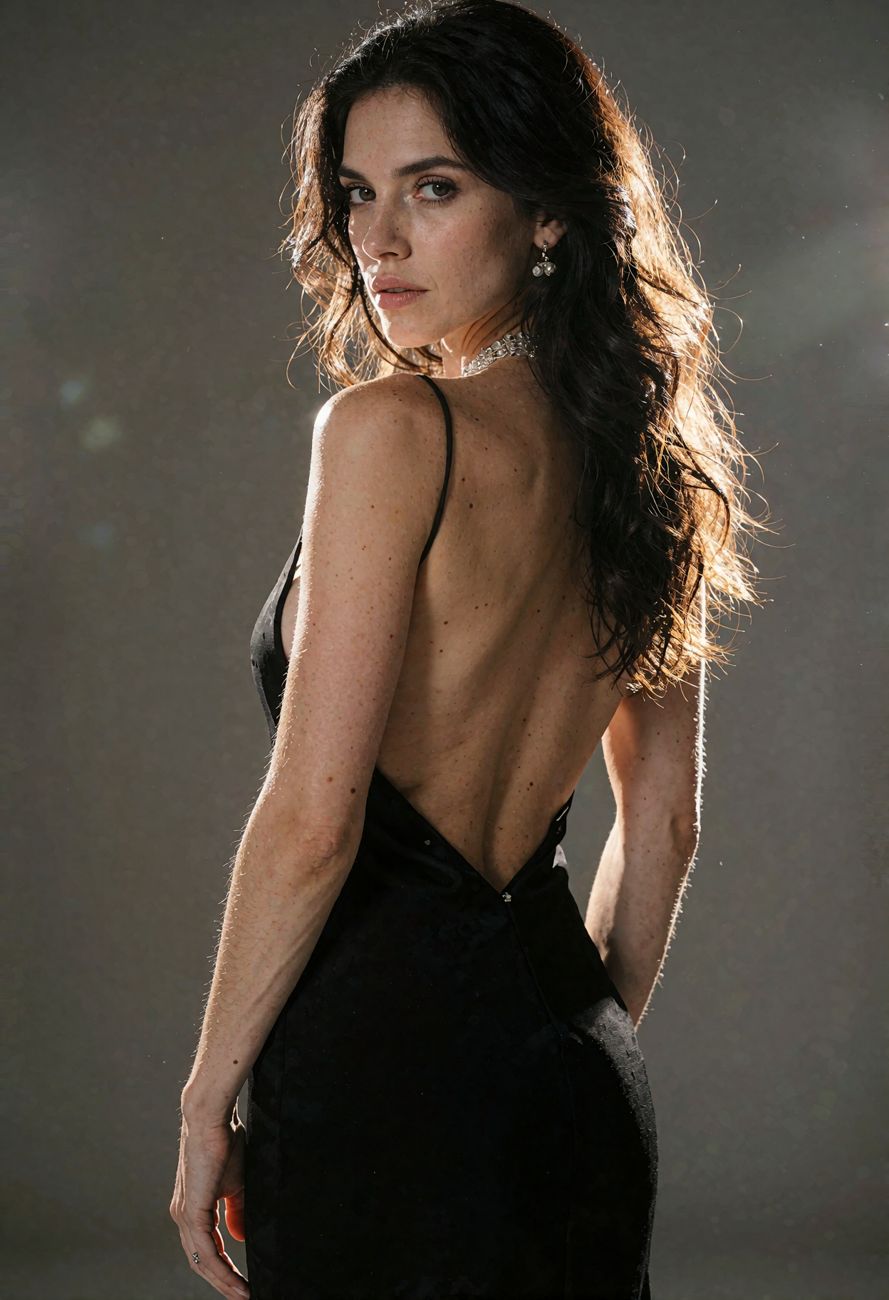
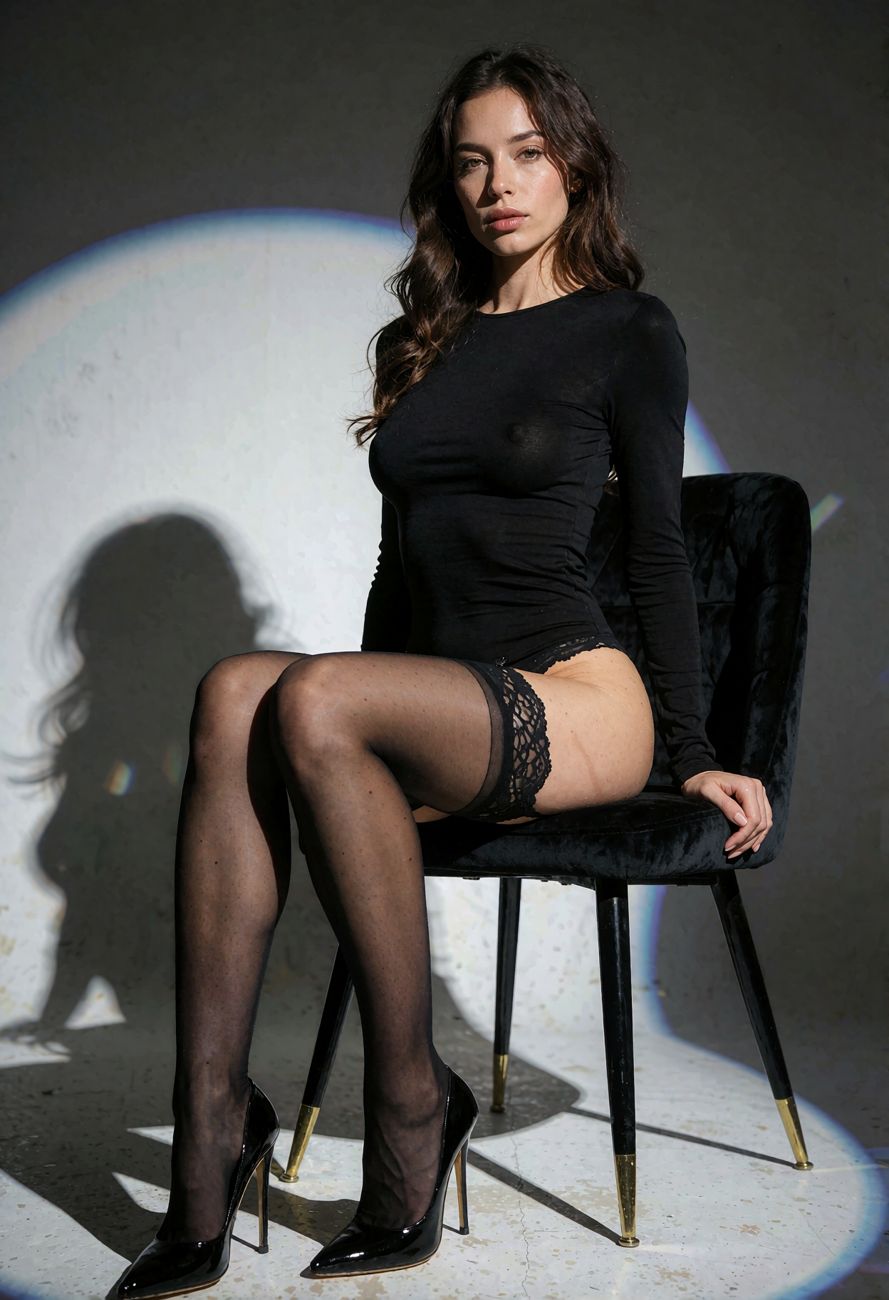
hanabira Kit · for adults 18+
Your own AI studio.
Your GPU. Your rules.
Photoreal portraits, gravure, cinematic scenes and video — made on a GPU you rent by the hour, or your own PC. No daily limits, and no one looking over your shoulder.
- Images + video
- Runs privately on your GPU
- Pay with USDT / USDC
What you can make
Five image lines and video in one studio. Pick a line, write what you want, press make.
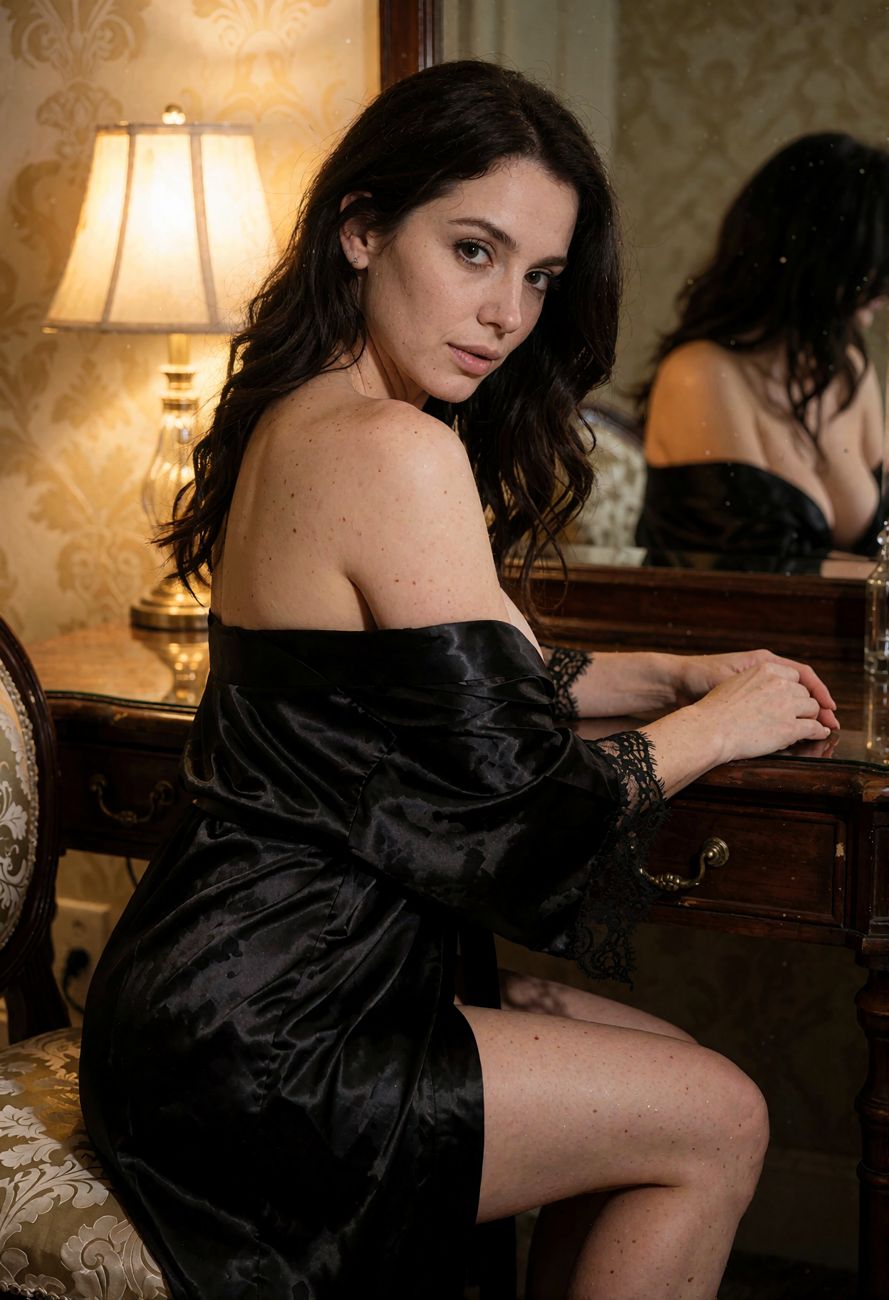
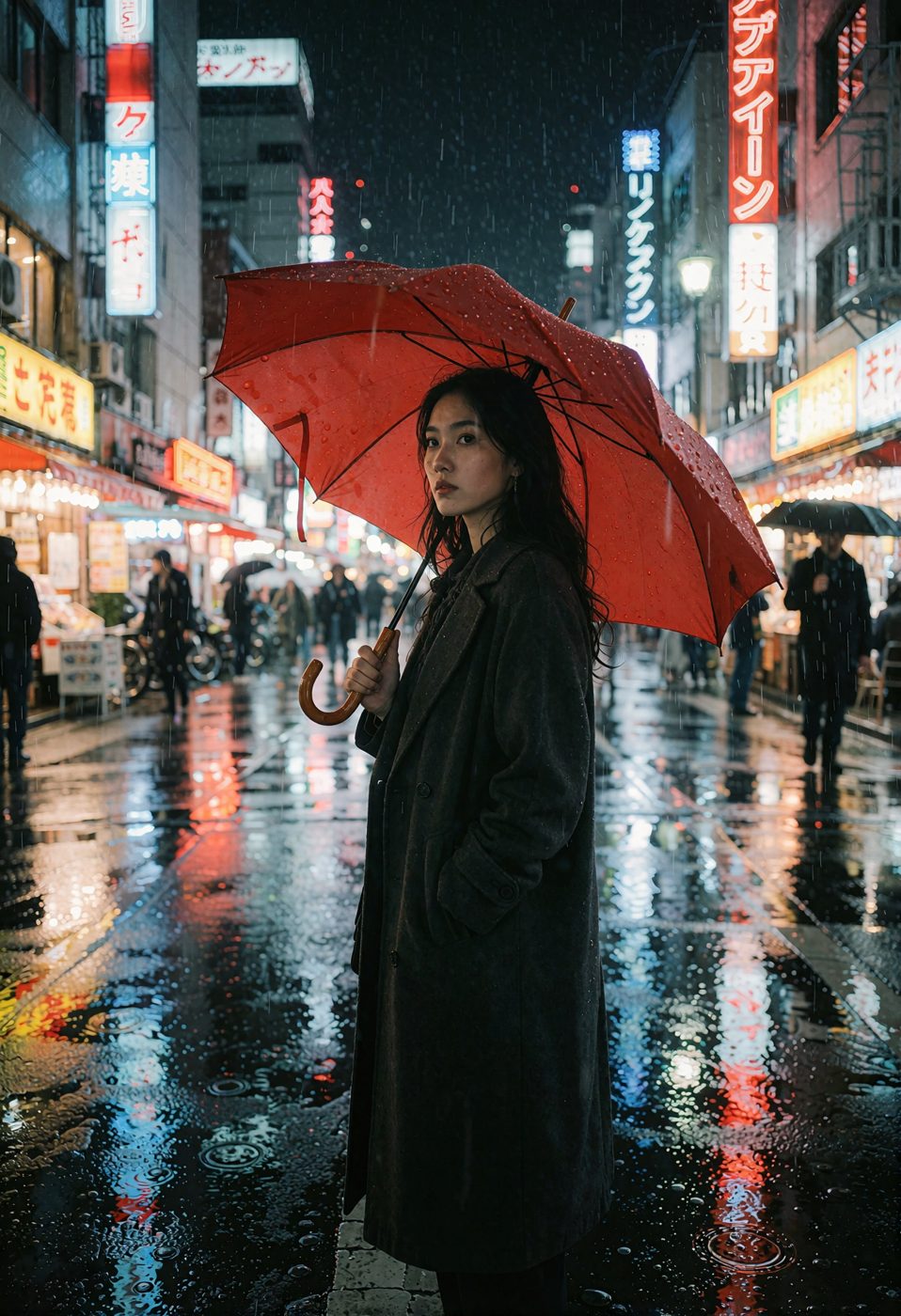
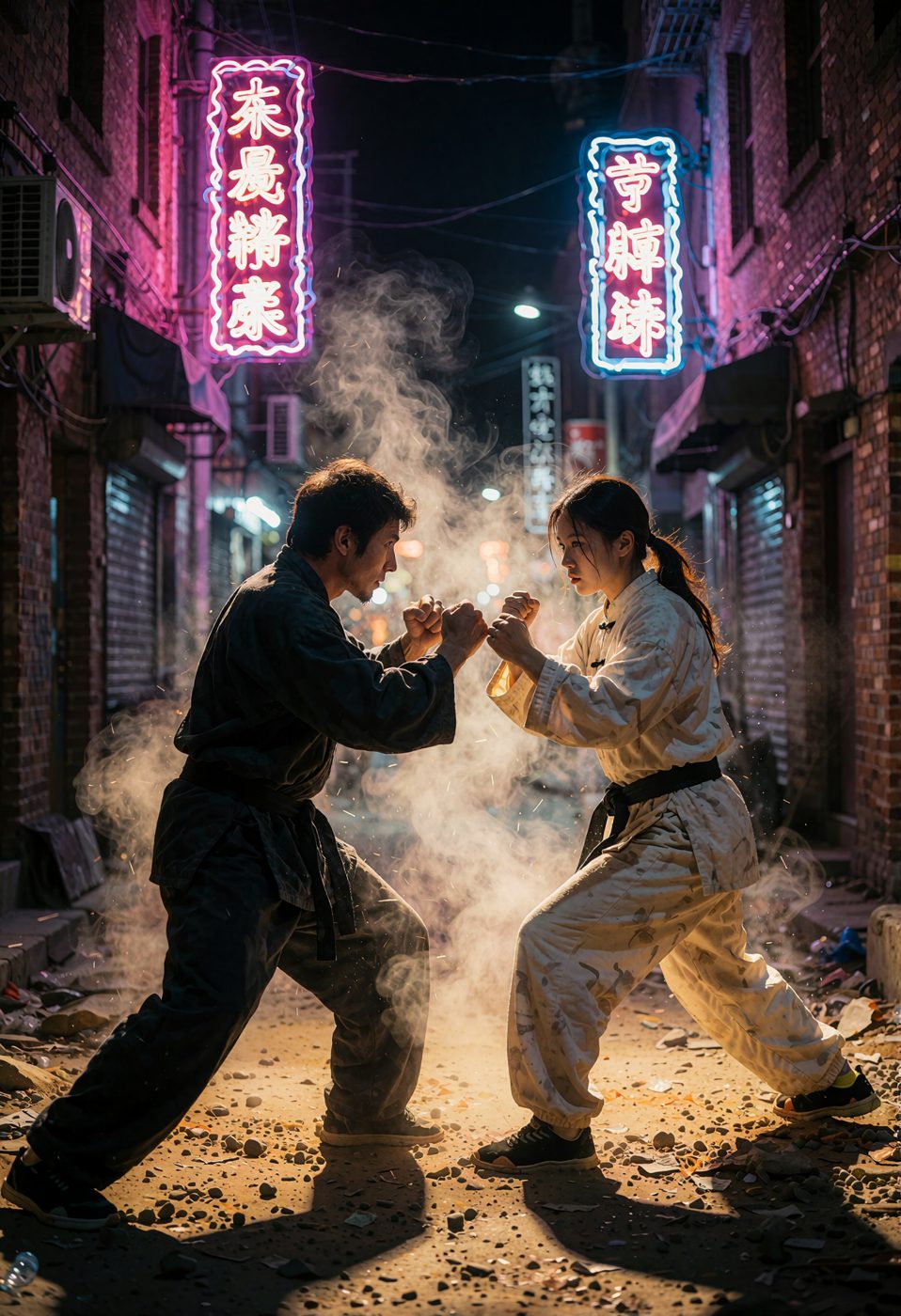
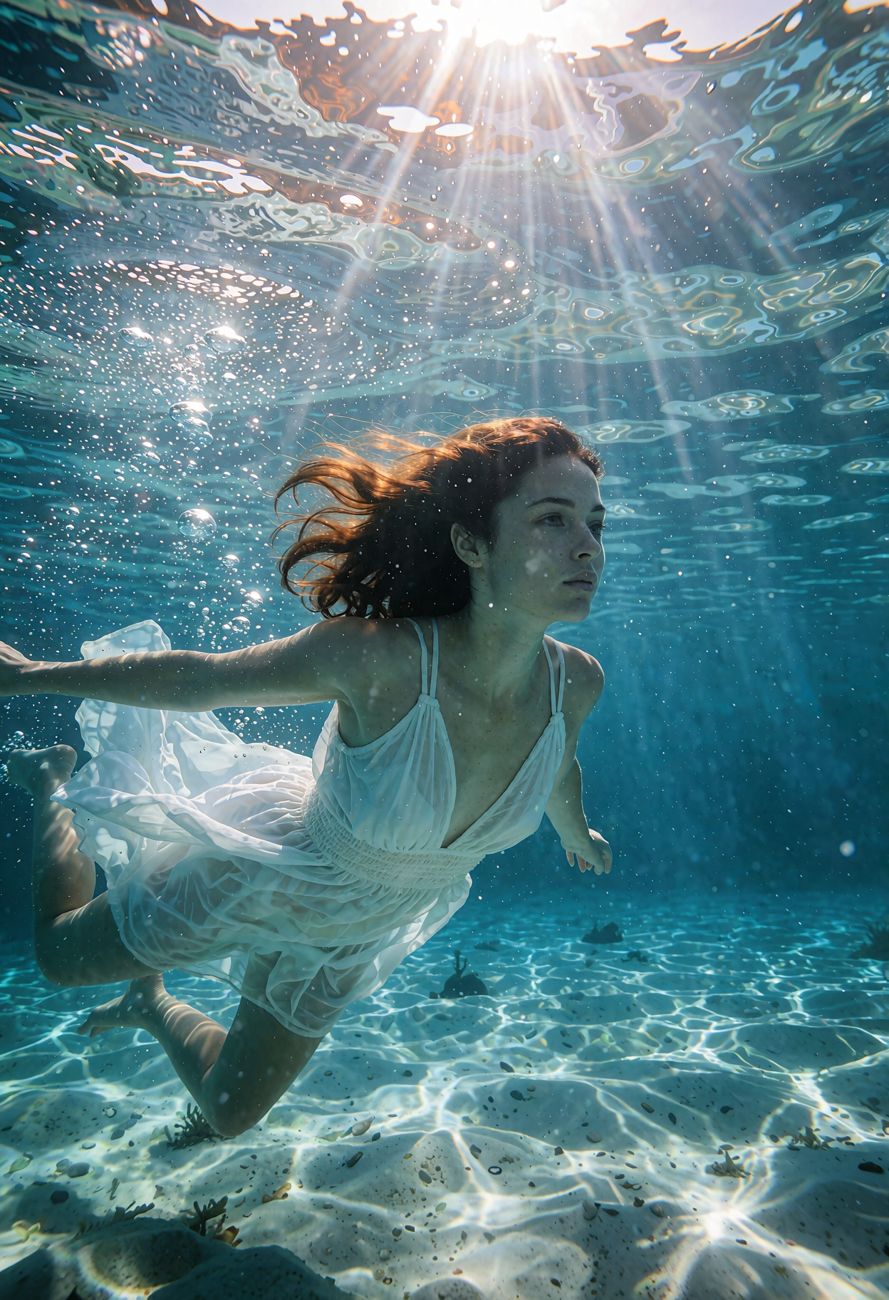
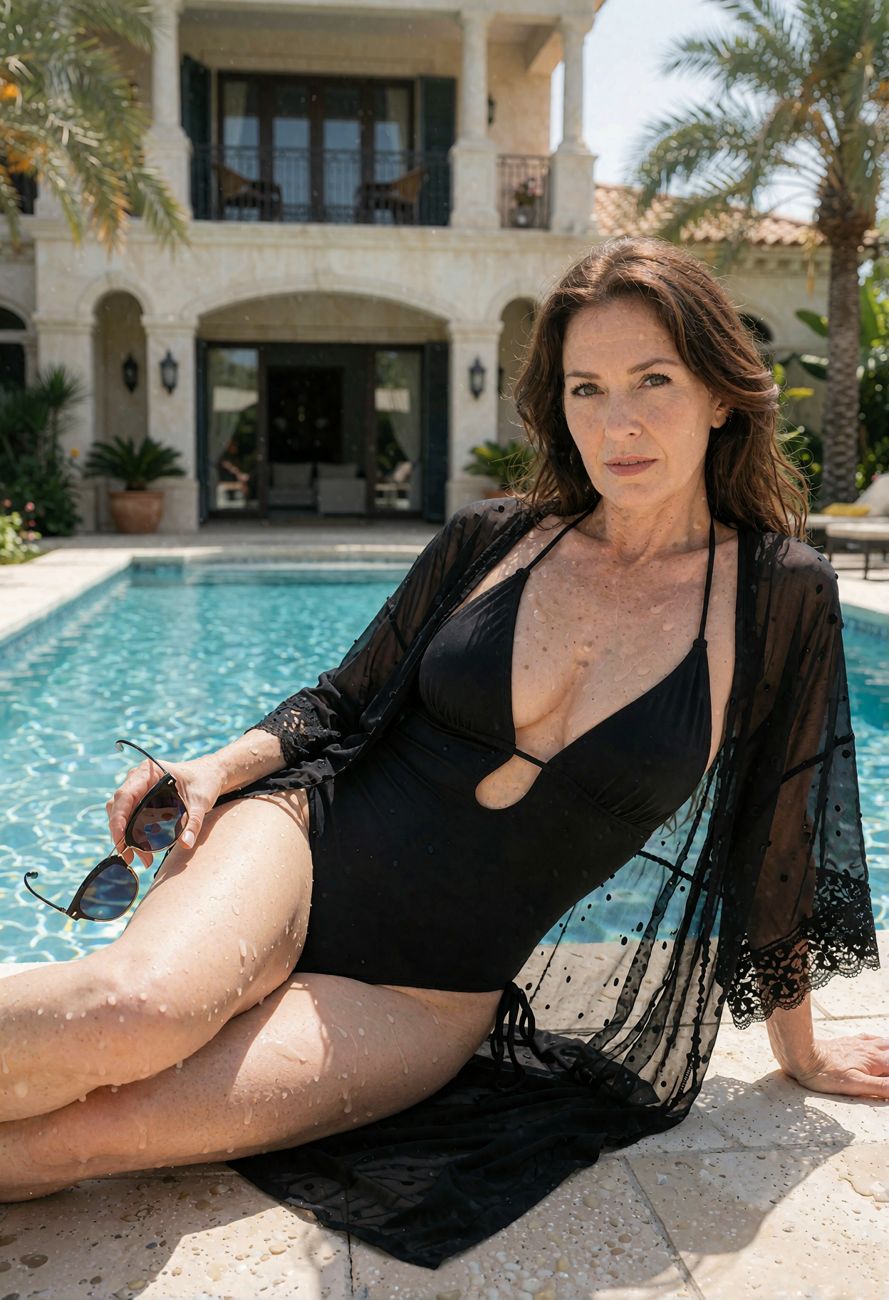
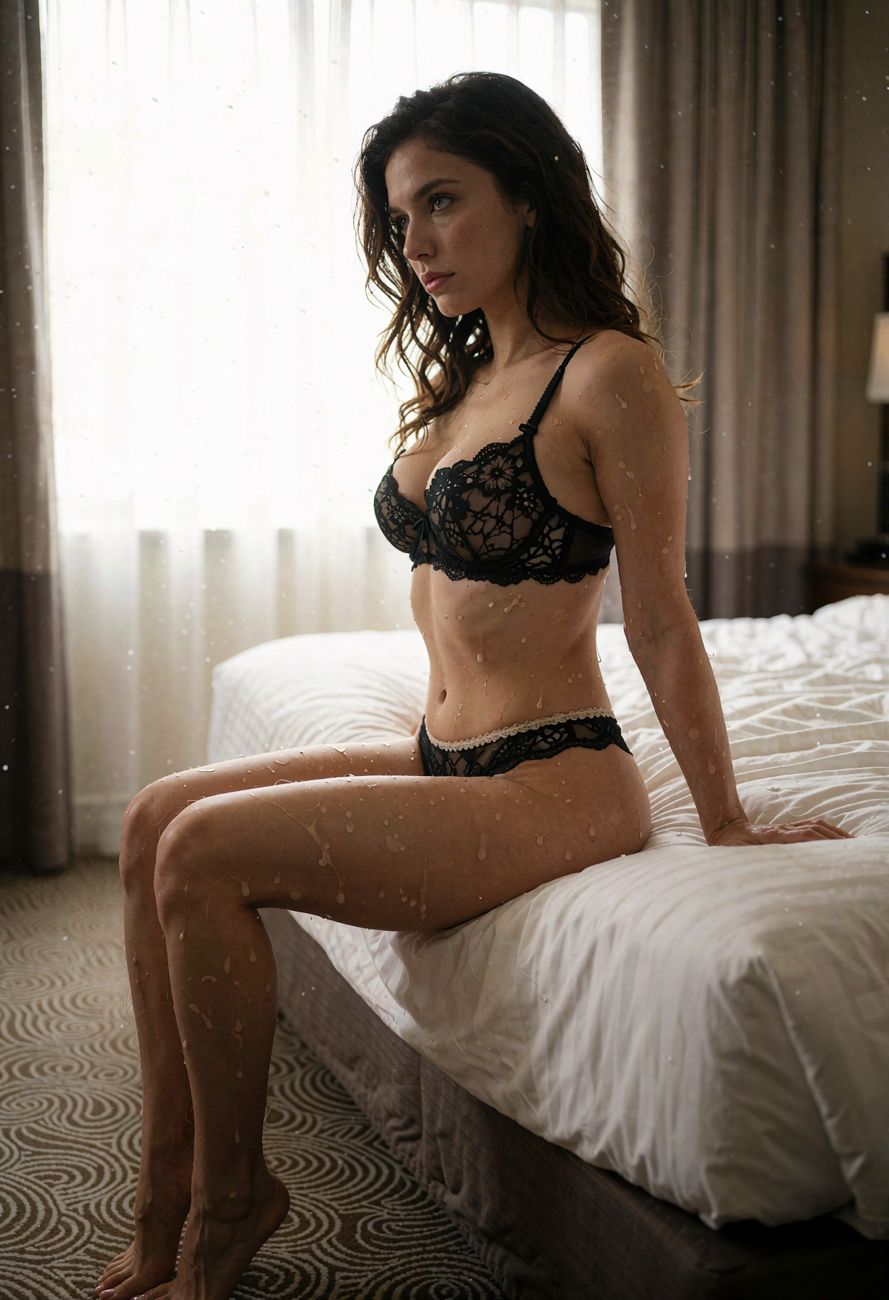
Made with the kit
Shown here: up to R-rated. With the kit, on your own GPU, you can go further — 18+ and within the law.



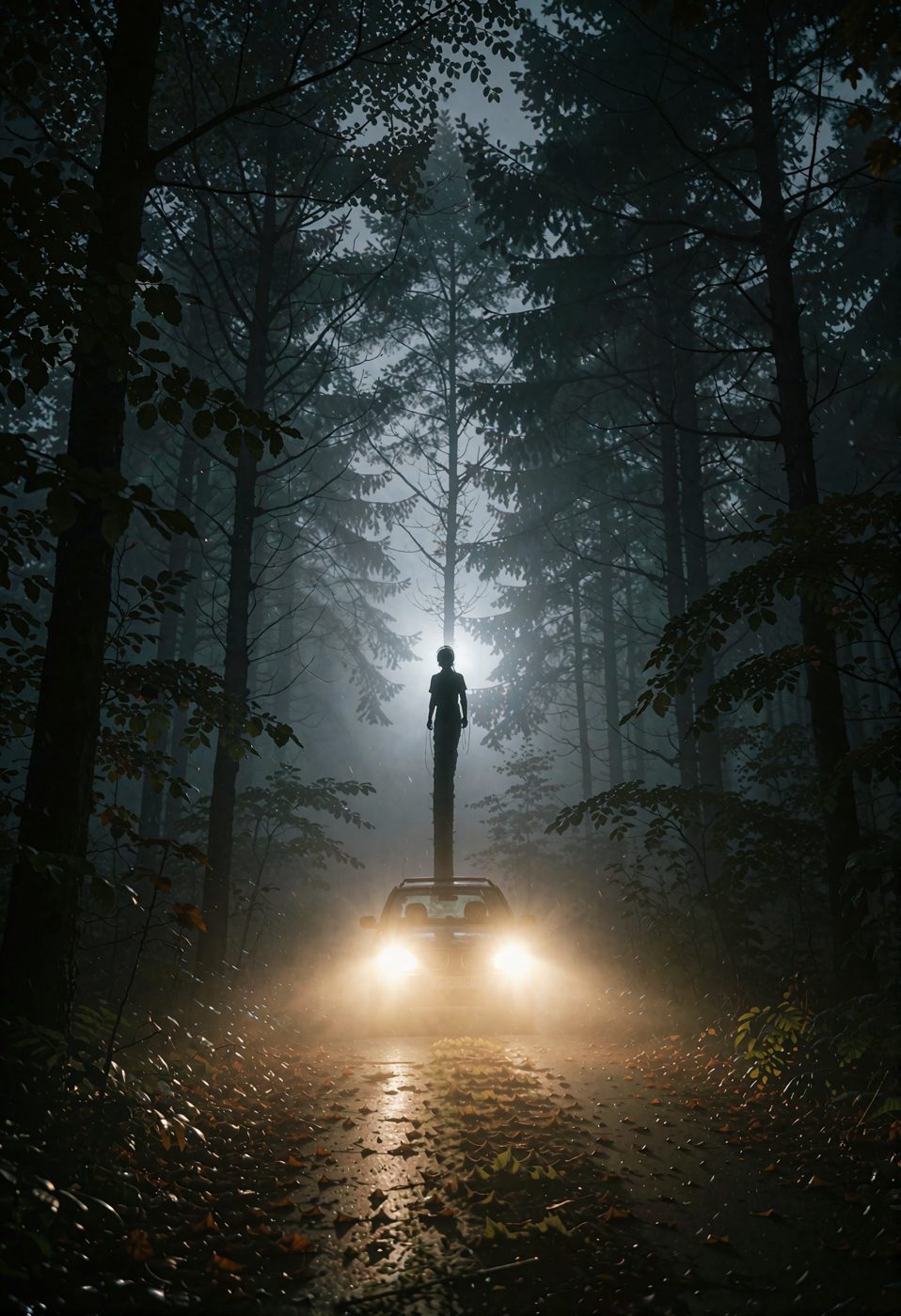

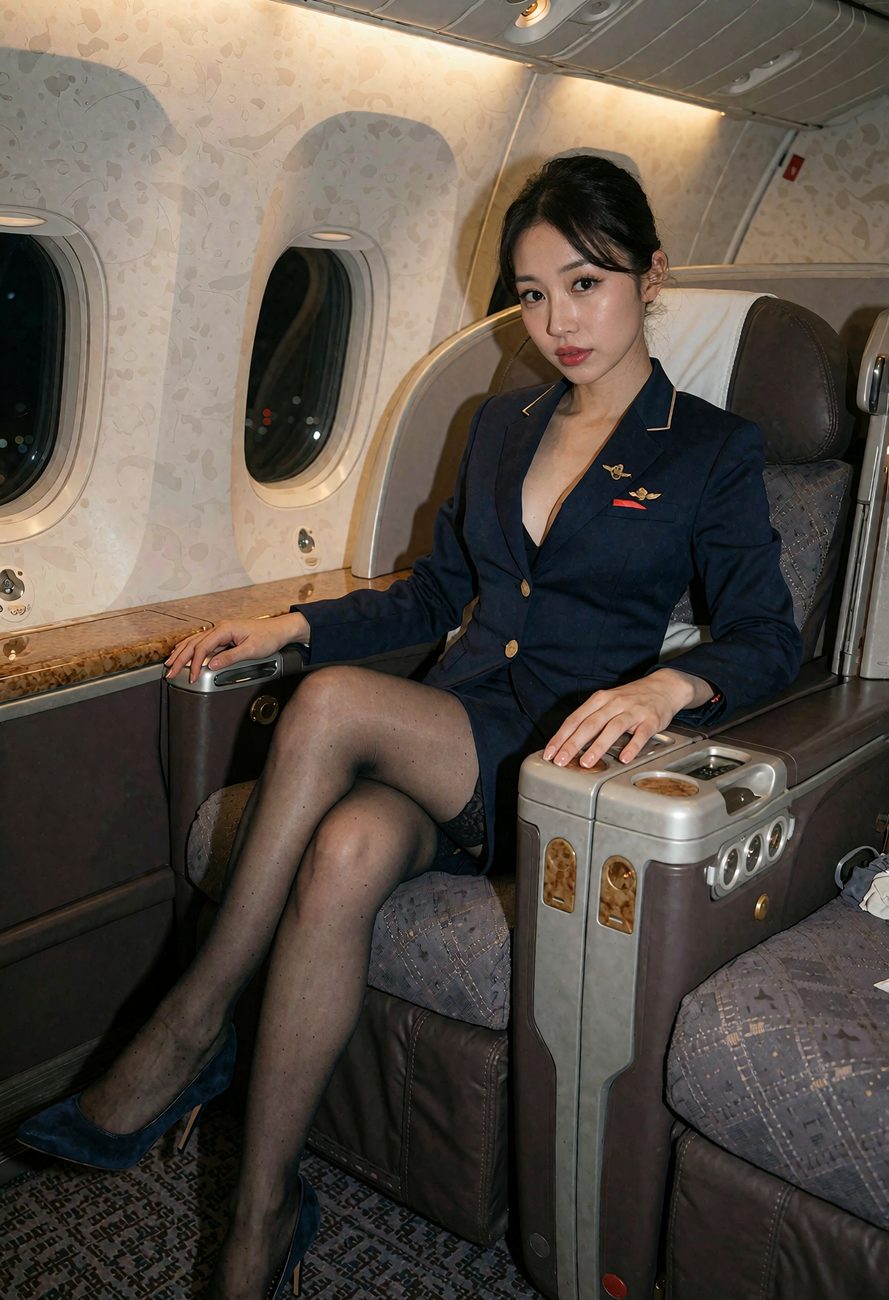
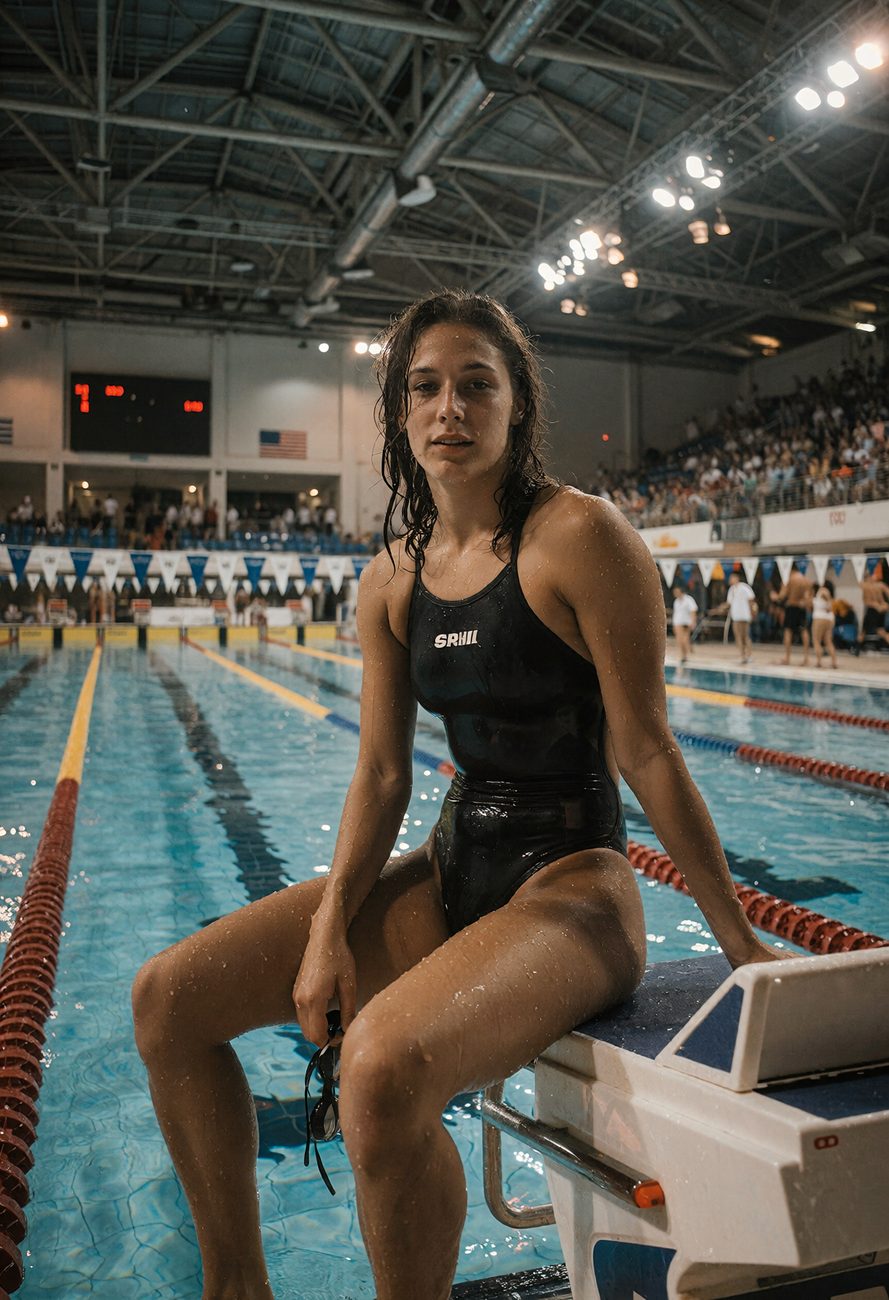


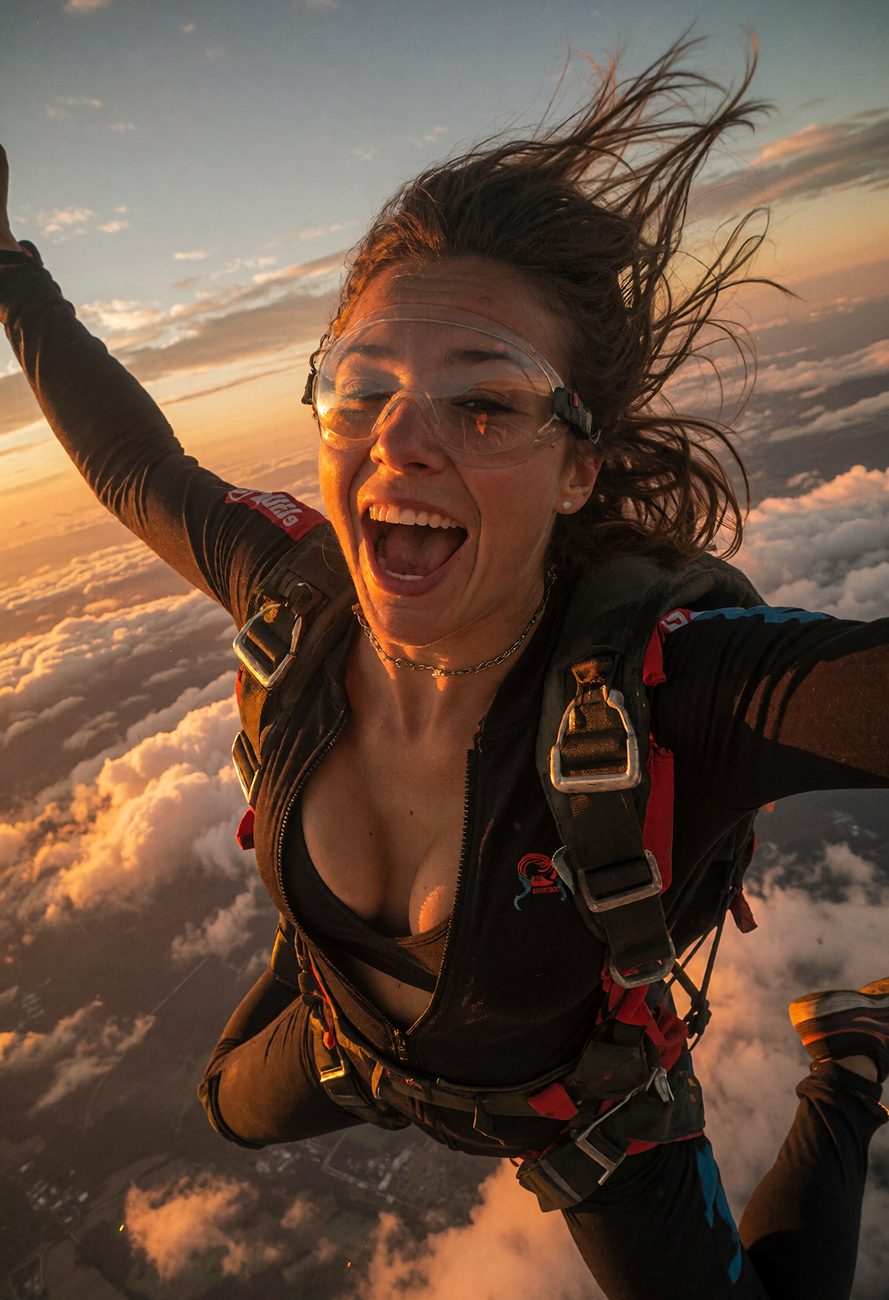
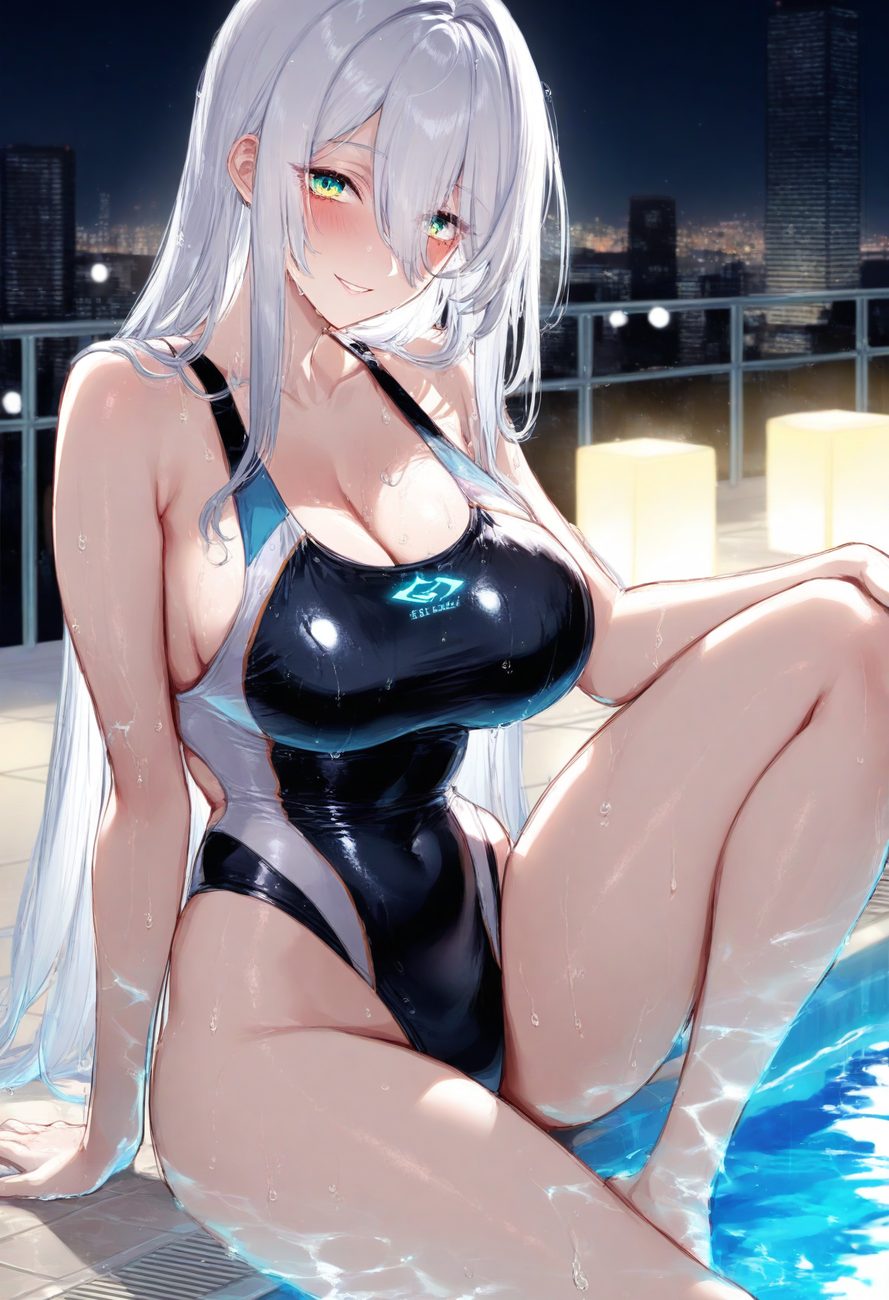

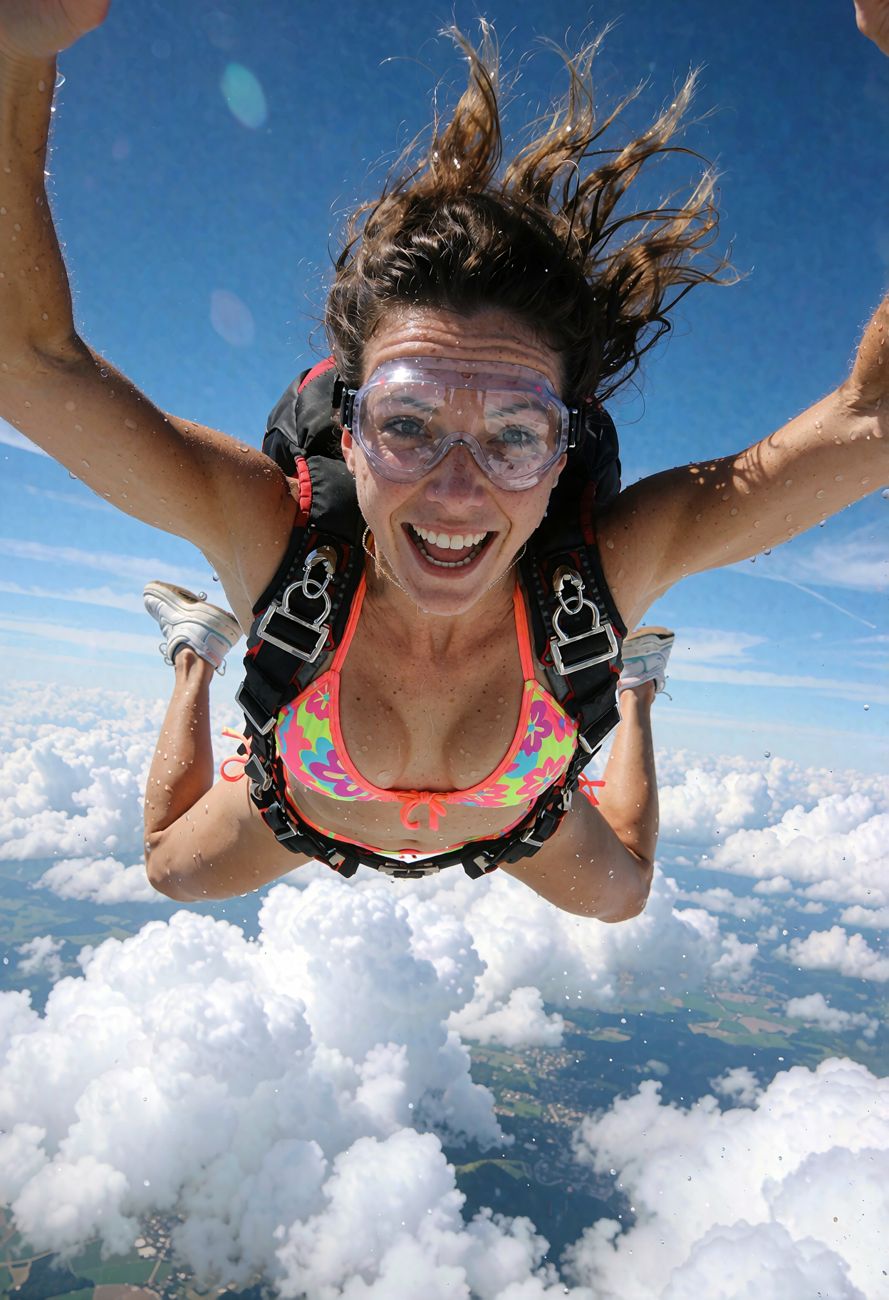
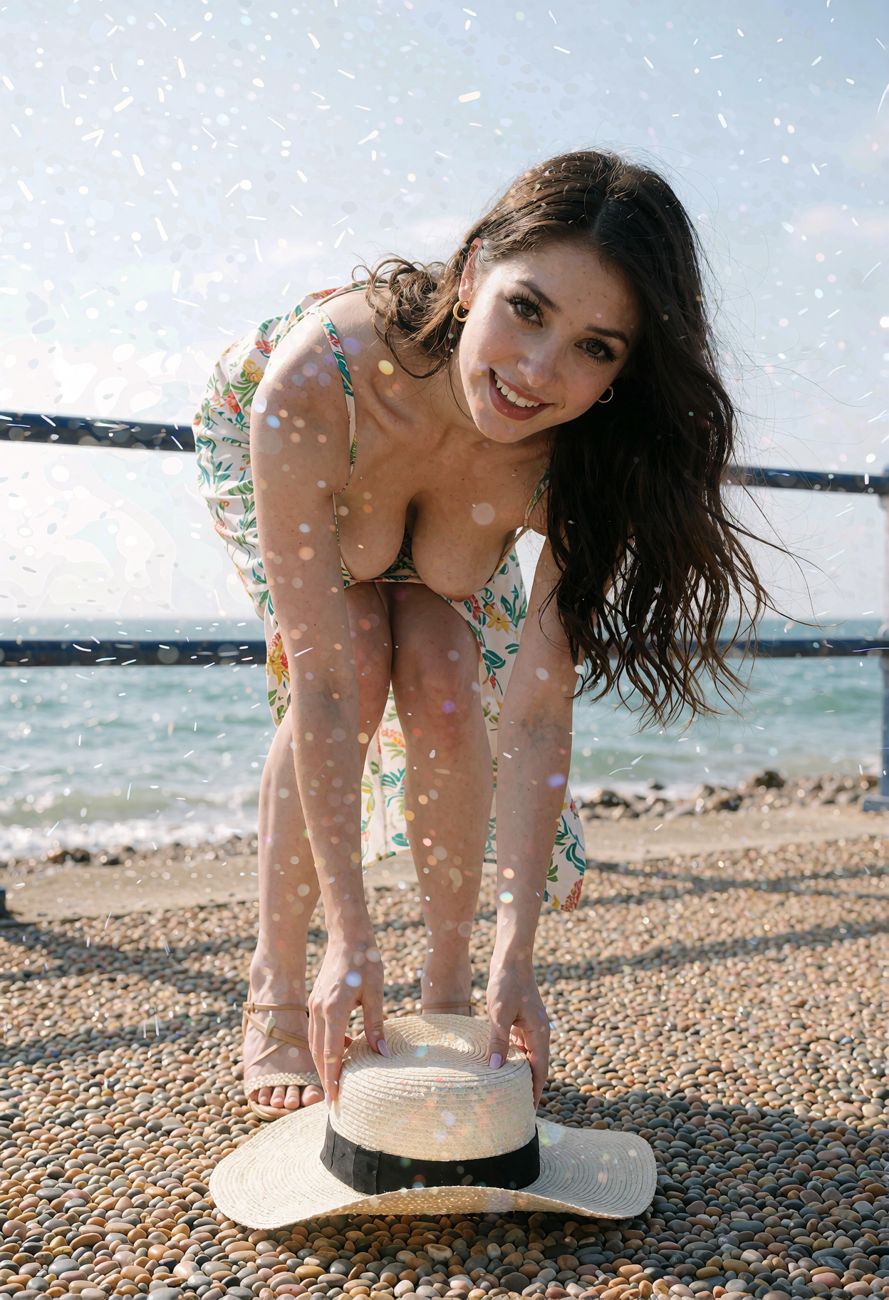
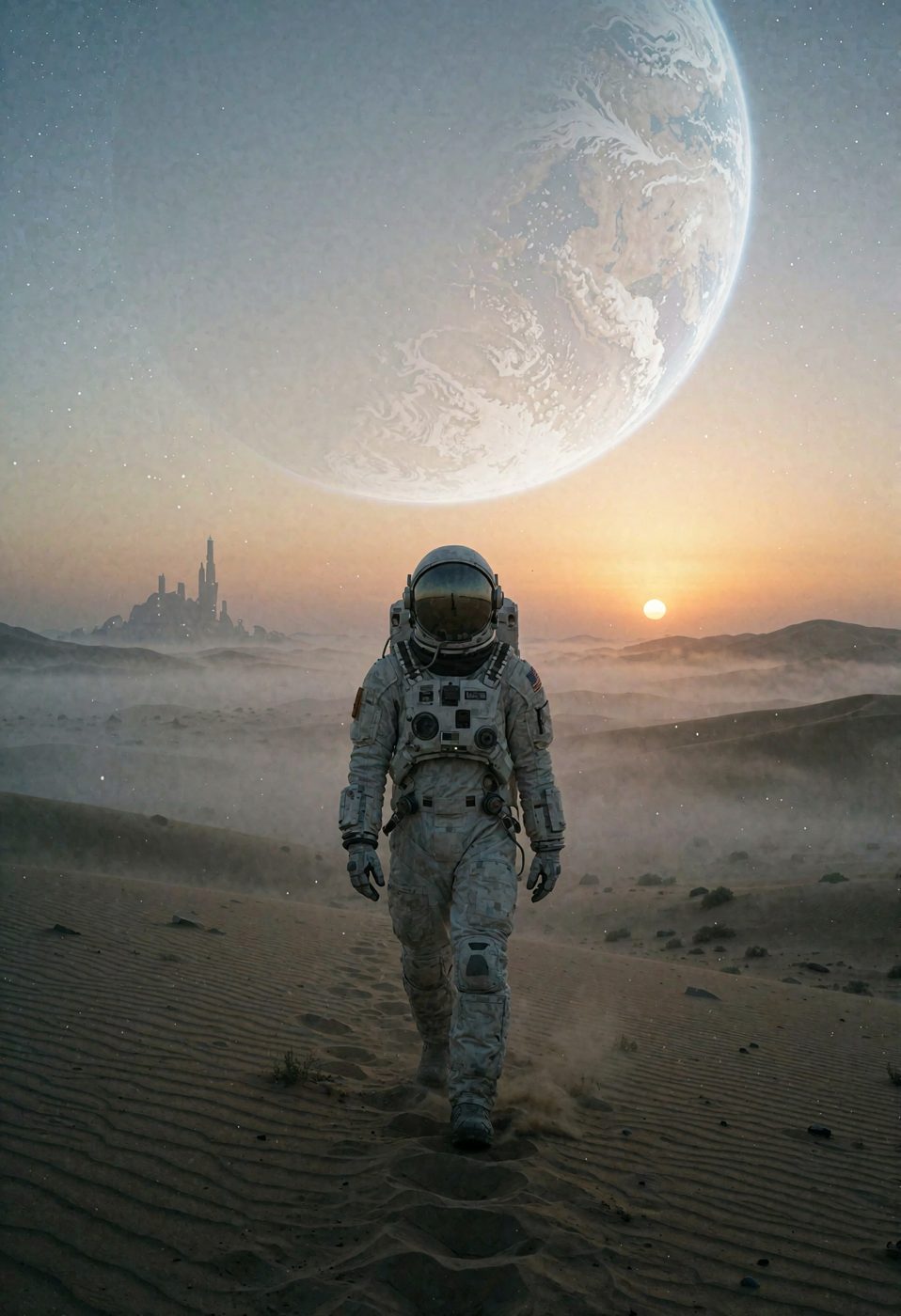
Online studio or your own kit?
Online studio
- 5 free images a day, then credits
- Runs on our servers, with our house rules
- Some images get a bar (a house rule)
- Good for a quick try
hanabira Kit
- No daily limits — make as much as your GPU can
- Runs on your GPU; we never see your prompts or images
- No bars and no house rules — your machine, your call
- Expression for adults 18+, where the law allows
- All image lines, video, layout tools and updates
Choose your kit
One key per kit. Every kit includes Expression (18+) and all updates while it is active. Longer periods cost less per month.
What it costs to run
You pay the GPU provider directly, only while the kit is running — an RTX 4090 starts at about $0.35 an hour. Stop it when you are done. Already have a 24 GB NVIDIA card? Use your own PC for free.
Already have a pass? Renew it
Paste your key and choose how long. You keep the same key — the new days are added to its end date, even if it has already ended. No email needed.
Paying with crypto is easier than it sounds
Small amounts are fine. Sign up with your email, buy, and your key also arrives by email.
Get USDT or USDC
Buy a stablecoin (1 coin ≈ $1) at any exchange or wallet app. Choose a low-fee network such as Tron, Polygon or Solana.
Pick your kit and pay the invoice
Send the exact amount shown on the invoice. It usually confirms in 5–30 minutes.
Your key appears
The key page shows your key as soon as the payment confirms. Step-by-step guide with pictures.
No crypto, or paying with crypto is hard? You can also pay with Telegram Stars: choose a kit, press “Pay with Telegram Stars”, scan the QR code with your phone and pay in the Telegram app.
How it works
About 15 minutes the first time. After that, just start it. Or let us set it up for you.
Rent a GPU (or use your PC)
Any NVIDIA GPU with 24 GB or more. Choose a provider whose terms allow how you plan to use it.
Paste your key, run one command
The key page gives you the command. The kit downloads its models and checks your key.
Open the kit in your browser
Write a prompt in any language and press make. It updates itself every time it starts.
What's in the kit
Everything runs on your GPU unless it says otherwise. The kit updates itself every time it starts.
| Images | Four lines: α0 (cinematic, scenery, art — Chroma1-HD), α1 (anime), α2 (photoreal — Z-Image Turbo with skin, body and pose LoRAs) and Krea 2 α3 (the most photoreal). The extra models for α1, α2 and α3 download straight from CivitAI with your own free CivitAI key; without it, the standard line works. |
|---|---|
| Edit | Change an image you made by describing the change, or use your kit images as references (Qwen-Image-Edit 2511). Optional: Google's Nano Banana with your own Google key (not for adult content). |
| Composition | Pose 3D mannequins, props and a camera, then make the picture in that pose and depth. |
| Video | Animate an image: Wan 2.2 on your GPU (5 seconds), or Wan 3.0 through Venice with your own Venice key (5 or 10 seconds). |
| Add-on LoRAs | Optional extra LoRAs we trained ourselves, bought from inside the kit and tied to your key. First: hnbcyborg, a half-human, half-machine look for the α2 line — $12 once, usable as long as your key is active (Image or Full kit). The kit fills in its trigger word and strength for you. |
| Real streets (bonus) | 386 depth underdrawings of real streets in 90 cities and 30 famous views, each with its prompt. Pick one in the kit and the photo follows that street's real layout; you choose the light, the weather and the people. ComfyUI workflows for Z-Image and Krea 2 are included. See examples. |
| Safety | Every image is checked on your GPU, and anything that looks like a minor is discarded. Photos of real people can't be used as a starting point. |
| Which kit | Image Kit: images, edit and composition. Video Kit: video, with first frames made for it. Full Kit: everything. |
Recommended specs
What the kit needs. If you rent a GPU, choose a server that meets these.
| GPU | NVIDIA with 24 GB of memory or more (RTX 3090, RTX 4090, RTX A5000). For video and faster work: an RTX 4090, or a 48 GB card (L40S, RTX A6000). |
|---|---|
| Storage | About 130 GB for images only, 180 GB with video. An SSD is best. |
| Memory (RAM) | 32 GB or more. Most GPU servers have this. |
| Software | Linux with Docker, the NVIDIA container toolkit and an NVIDIA driver for CUDA 12. Most GPU clouds already have them. |
| Speed (measured) | About 26 seconds per image on an RTX 4090, including the safety check. The first start takes longer while the models download. |
| Video | Video depends on the GPU most. It runs on 24 GB but takes much longer; a 48 GB card or larger (L40S, RTX A6000, A100, H100) makes it much faster. We will add measured times here. |
| Under 24 GB | Not supported yet: the large models may not load, or run much more slowly. We will add measured times here. |
| Mac, or a laptop without NVIDIA | Rent a cloud GPU and open the kit in the browser on your Mac or laptop. |
Questions
Do I need my own GPU?
No. You can rent a GPU server by the hour and stop it when you are done. A 24 GB card (e.g. RTX 4090) is enough. If your PC has one, you can use that instead.
Which kit should I get?
Images only: the Image Kit. Video only (with first frames made for it): the Video Kit. Both: the Full Kit — cheaper than buying the Image Kit and the Video Kit separately.
What happens when my pass ends?
The kit stops starting with that key. Renew it from the kit screen or on this page — you keep the same key, and your models and images in the volume stay where they are.
Will my images survive when I stop the GPU?
They stay on the server's disk, but a rented GPU you have stopped can be given to someone else. Then it may not start again until that GPU is free, and your files wait on that machine. Before you stop, press “Download all” in the kit to keep your images and videos. To avoid the wait, rent with storage that can be attached to another GPU in the same data center (providers call it a network volume, shared volume or filesystem; about $10–30 a month for 150 GB). If the GPU will not start, rent a new one and run the setup command from the key page again — the models download again in about 10 minutes.
Can you see what I generate?
No. The kit only contacts us to check your key and download updates. Images are made and stored on your own GPU server or PC.
How do I pay?
With cryptocurrency through the payment processor NOWPayments, or with Telegram Stars. You buy with a free hanabira account (an email address is enough); your key appears on the key page as soon as the payment confirms and is also sent by email. How to pay.
What if I don't have any crypto?
You can pay with Telegram Stars. Stars are bought inside the Telegram app, through Apple's or Google's payment. Choose a kit, tap “Pay with Telegram Stars”, scan the QR code with your phone and pay in the Telegram app. Your key arrives as soon as the payment is done.
Refunds?
Keys are delivered instantly, so payments are not refundable except where the law requires it. If the kit does not start for you, contact us and we will help.
What is not allowed?
No images of minors or anyone who looks like one, no real people without consent, and no face swaps. The kit checks every image on your GPU and discards anything that looks like a minor.